


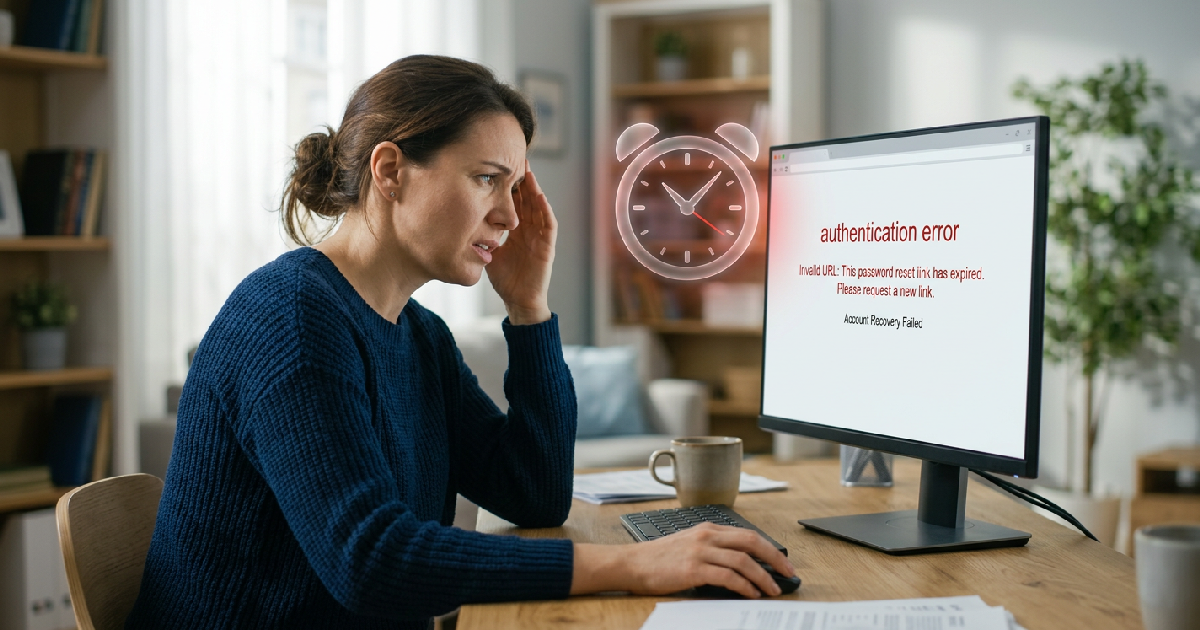
Major technology platforms and security firms are reporting a surge in user login failures as the “password reset link expired” notification becomes a primary friction point for digital authentication. This error, which blocks users from accessing accounts even after following recovery steps, often triggers a cycle of security lockouts that impact productivity and service reliability. Technical leads at several cybersecurity agencies have identified system clock desynchronization and aggressive security tokens as the main causes behind these persistent invalid link errors.
The problem typically occurs when a user requests a recovery email but finds that the URL provided is non-functional by the time it reaches their inbox. While it may seem like a minor inconvenience, it represents a breakdown in the trust layer between platforms and consumers. In many cases, email security filters or corporate “safelinks” scanners trigger the one-time-use link before the human user ever clicks it, effectively “expiring” the link within seconds of its generation.
For organizations operating at scale, these failures lead to a massive influx of support tickets. As the Africa digital payments infrastructure continues to expand, local fintech firms are finding that even small glitches in automated email delivery systems can halt financial transactions for thousands of users simultaneously. The reliability of these automated recovery systems is now being viewed as a core component of digital infrastructure rather than a secondary support feature.
Technical Root Causes of Authentication Errors
Security engineers point to several back-end reasons why a reset link might fail. One frequent culprit is the “double-click” behavior of modern antivirus software. When an email server receives a message containing a link, it often sends a bot to “click” the URL and scan the destination for malware. Because many reset links are programmed to work only once, this automated scan consumes the link’s validity, leaving the user with an “expired” message.
Browser caching and multiple active sessions also play a role. If a user requests three reset links in quick succession because the first didn’t arrive instantly, the system often invalidates the first two. If the user then opens an older email instead of the most recent one, they will be met with an error. This is particularly problematic in regions where network latency is high, causing emails to arrive out of order.
Furthermore, the rising use of AI infrastructure for security compliance has led to more rigid timeout windows. While a 15-minute window protects against attackers, it can be too short for users on slow mobile connections or those dealing with delayed email delivery from secondary providers. Developers are now being urged to balance security with the realities of varied user environments.
Common Reasons for Reset Link Expiration
| Primary Cause | Type | Impact Level |
|---|---|---|
| Security Token Timeout | Configuration | High |
| Antivirus Link Pre-scanning | Network Security | Critical |
| Multiple Active Requests | User Behavior | Medium |
| Browser Cache Conflict | Local Client | Low |
Bridging the Gap Between Security and Access
To combat these failures, some companies are moving toward “Magic Links” or OTP (One-Time Password) codes sent via SMS or dedicated authentication apps. Unlike traditional links, numerical codes are less likely to be “tripped” by automated email scanners. This shift is part of a broader trend where DevRel engineers are advocating for more user-centric design in security protocols to prevent user exhaustion.
Industry analysts suggest that the “invalid link” error is more than just a bug; it is a sign that the industry needs to rethink account recovery. The goal is to move toward passwordless environments where biometric data or hardware keys remove the need for email-based recovery entirely. Until then, refining the logic of secret tokens remains a priority for web developers worldwide.
Frequently Asked Questions
Why does my link say it’s expired even if I just requested it?
This most often happens because your email provider’s security software “clicked” the link to check it for viruses before it reached your inbox. Since the link is for one-time use, the scan used up your single visit. Try requesting a new link and opening it in an incognito or private browser window immediately after it arrives.
What should I do if the password reset email never arrives?
Check your spam or junk folder first, but also verify that you aren’t using a VPN or proxy that might be flagging your request as suspicious. If you’ve requested multiple links, wait at least 30 minutes for the systems to clear before trying one last time, ensuring you only click the very latest email you receive.
Can I fix an invalid link without contacting support?
Sometimes clearing your browser’s cookies and cache can resolve the issue if your browser is trying to load a previous, failed session. If that doesn’t work, ensure you are utilizing the most recent link sent to you. If the problem persists, it may be a server-side issue that requires the platform’s technical team to sync their system clocks.
